After the order
The order page
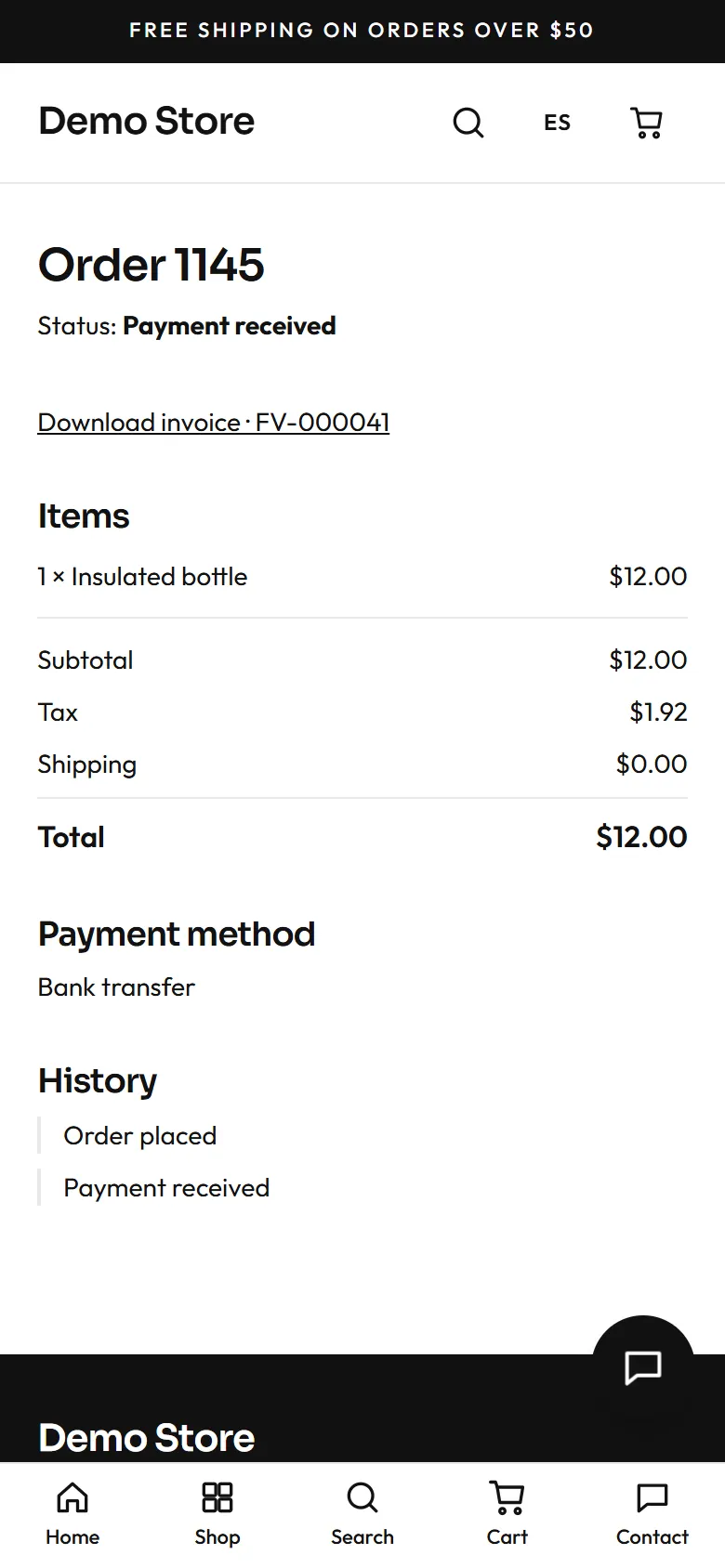
Section titled “The order page”Right after placing an order the shopper lands on their order page: status, items, totals, payment method, and a history of what happened. The address contains a private key, so only people who have the link (the shopper, in their email) can open it. For bank transfer it shows the bank details; for cash on delivery, the owner’s note.
Emails
Section titled “Emails”The shopper receives an email when the order is placed and again when it is paid, shipped or delivered. The store also receives an email alert for every new order. If WhatsApp is switched on and the shopper agreed, the same messages go to WhatsApp. The owner can edit the wording in the email templates.
Invoices
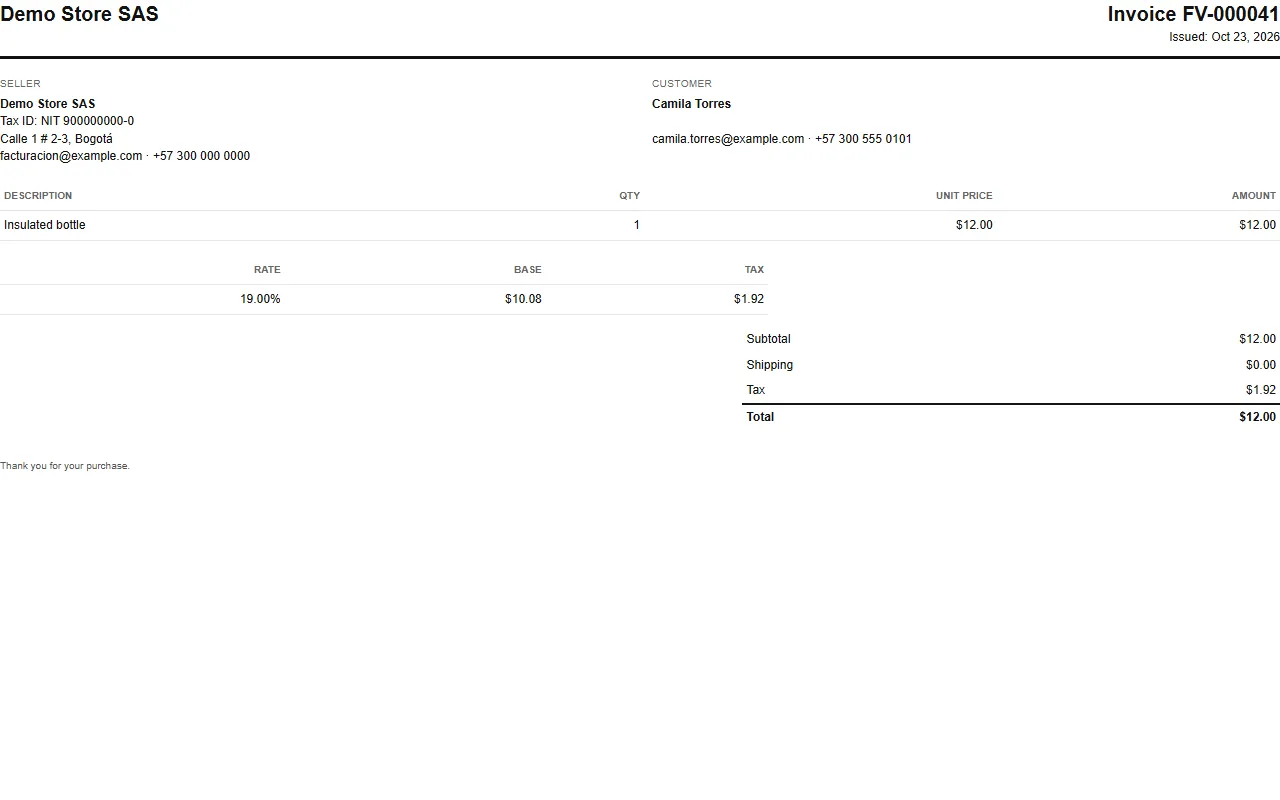
Section titled “Invoices”When an order is paid, the store issues a numbered invoice (for example FV-000005) with the seller’s and the customer’s details,
each line, the tax breakdown and the total. The shopper gets it by email as a PDF and can open it from the order page.
Contact
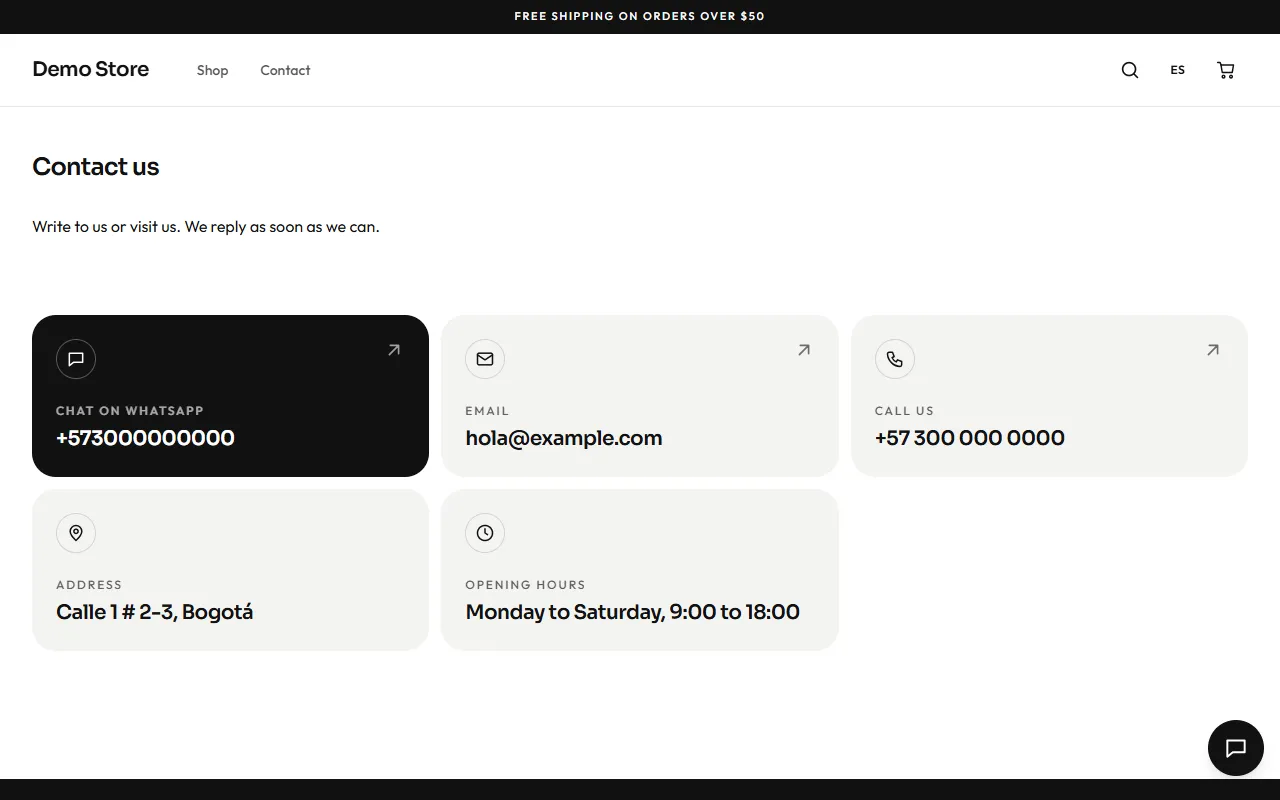
Section titled “Contact”The Contact page has no form: it shows the ways to reach the store as cards. WhatsApp comes first and opens a chat with a message already written; then email, phone (tapping it calls), address and opening hours. Below come the social links, the map (loaded only if the visitor asks for it) and the Google reviews. All of it comes from Settings, under Contact.