Invoices
An invoice is created automatically when an order becomes Paid. It has a sequential number (for example FV-000005), the
seller’s details from Settings (Invoicing), the customer’s name and any company name and tax ID they gave at
checkout, each line, the tax breakdown and the totals.
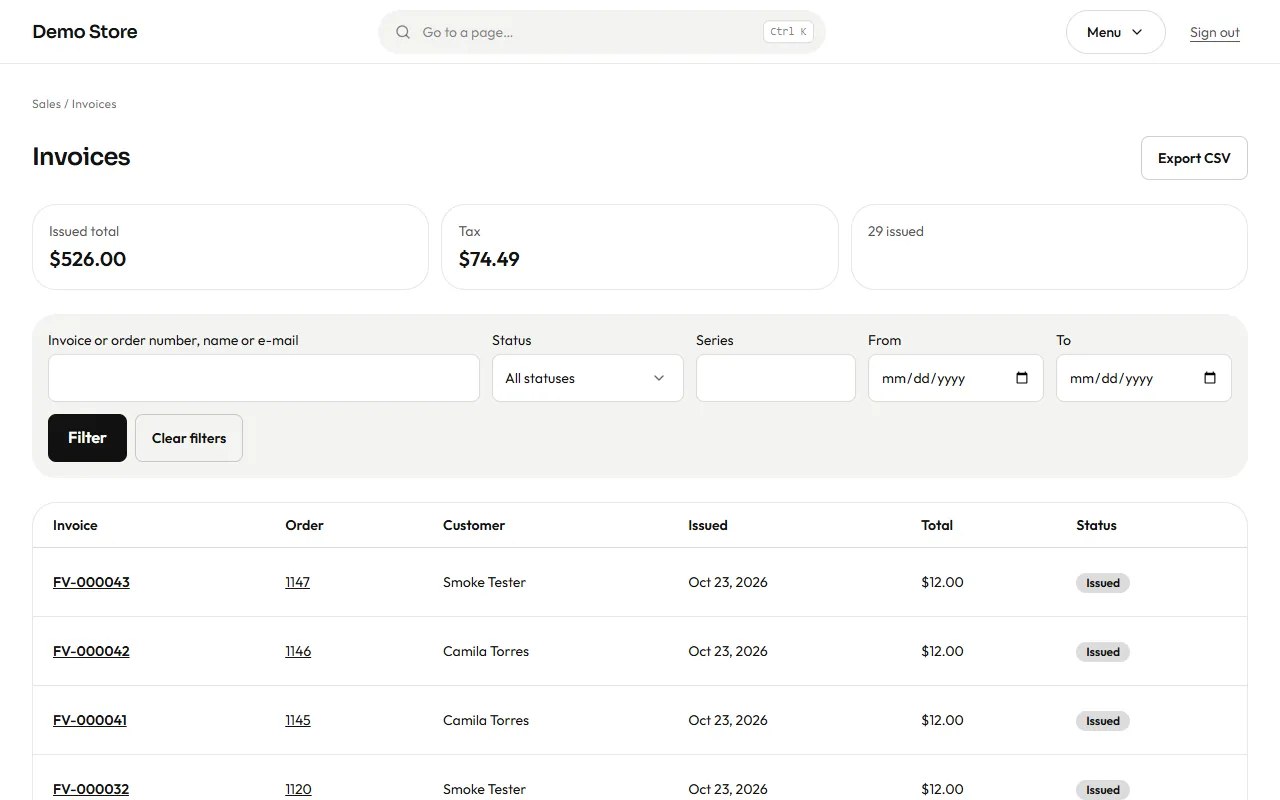
The list shows every invoice with its number, date, customer, total and status. Export CSV gives your accountant the list for a period.
One invoice
Section titled “One invoice”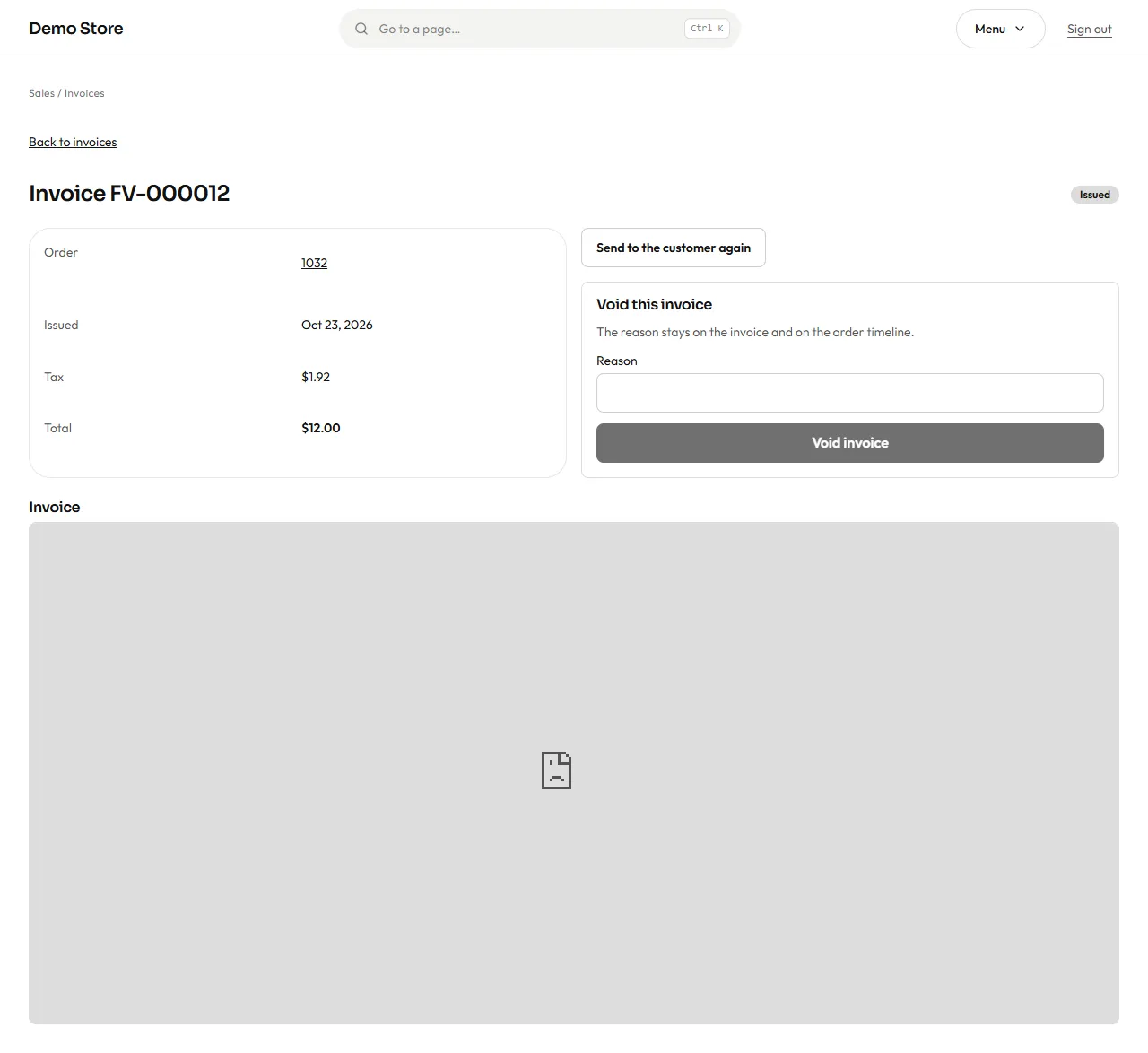
- View invoice opens the printable page the customer sees.
- Download PDF saves the PDF.
- Send invoice again emails it to the customer.
- Regenerate PDF builds a fresh PDF, for example after you correct your company’s details in Settings. The invoice number and amounts never change.
- Void invoice cancels an invoice that was issued by mistake (owners only). You must write a reason, which is kept on the invoice and in the order timeline. A voided invoice stays in the list, marked as void, so the numbering has no gaps.
The PDF is prepared in the background a few seconds after the order is paid, and the email goes with it attached.