Categories, attributes and media
Categories
Section titled “Categories”Categories group products in the shop menu and on the home page grid. Each one has a name, address (slug) and description in both languages, a position, and an on/off switch.
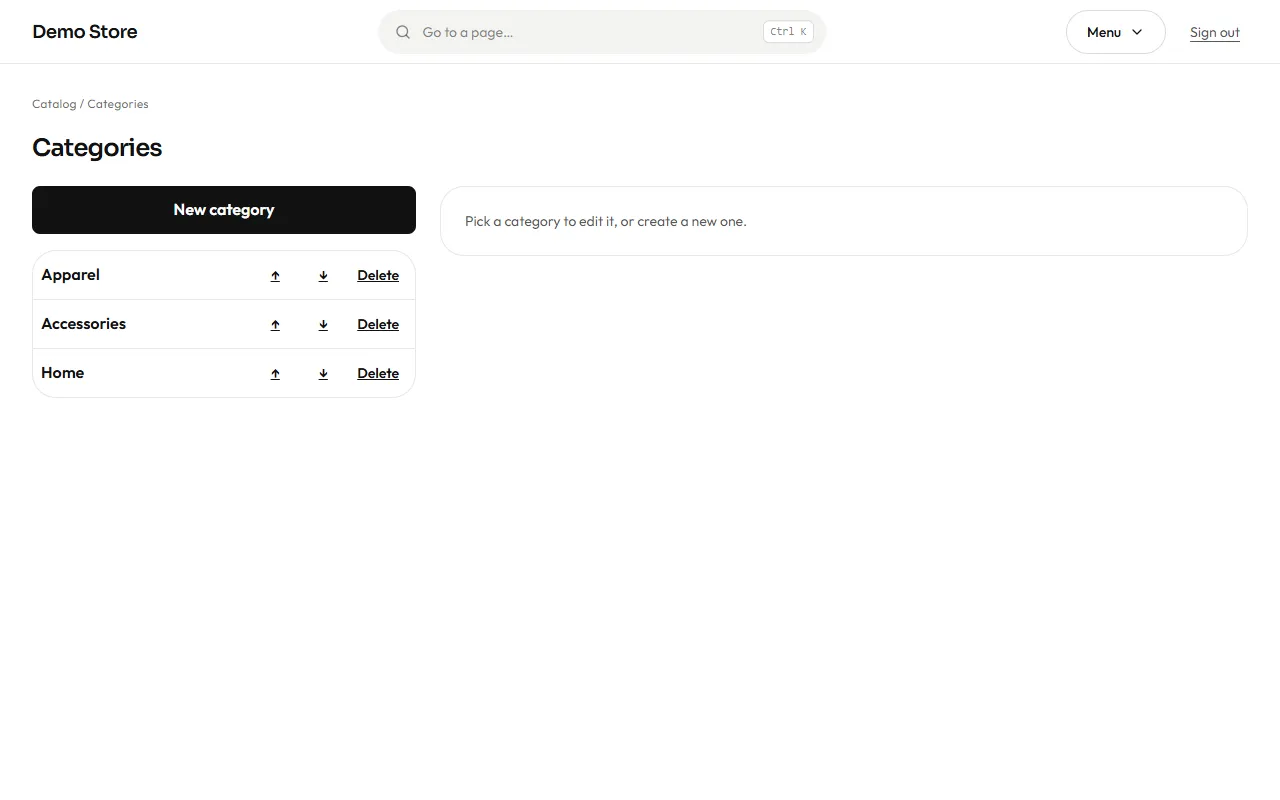
Categories are shown in two panes: the tree on the left and, on the right, the editor of the one you pick (or a new one with New category). Use the arrows to put the most important categories first. A category that is switched off disappears from the shop, but its products stay. A product can be in more than one category.
Attributes
Section titled “Attributes”Attributes use the same layout: the list on the left and the editor on the right.
Attributes are the things that make variants different: Size, Color, Material. Each attribute has values (S, M, L; Black, White…). Colours can have a swatch so the shop shows a coloured dot.
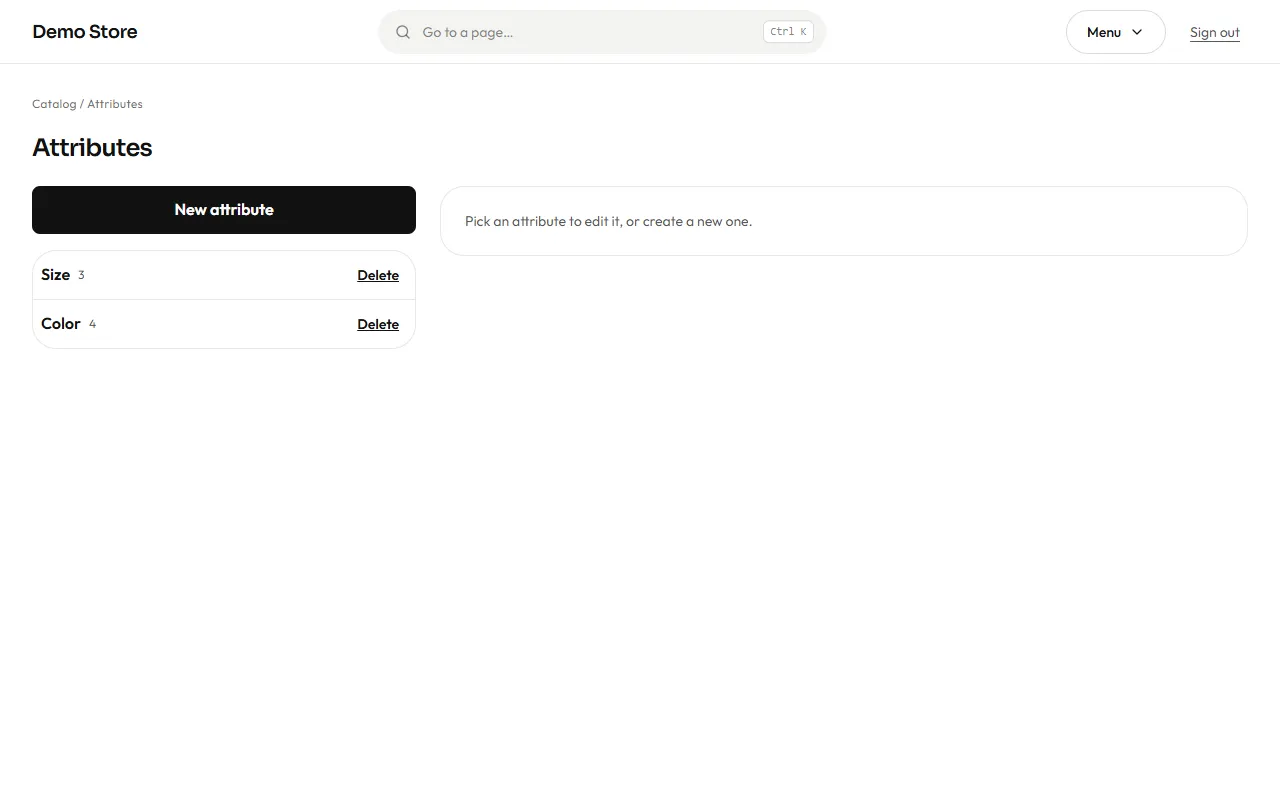
An attribute marked as filterable appears in the shop filters, with a count next to each value. Define attributes once and reuse them across products; that is what lets a shopper filter the whole shop by “Size M”.
Media library
Section titled “Media library”Every picture you upload is kept here and can be reused on products, categories and pages.
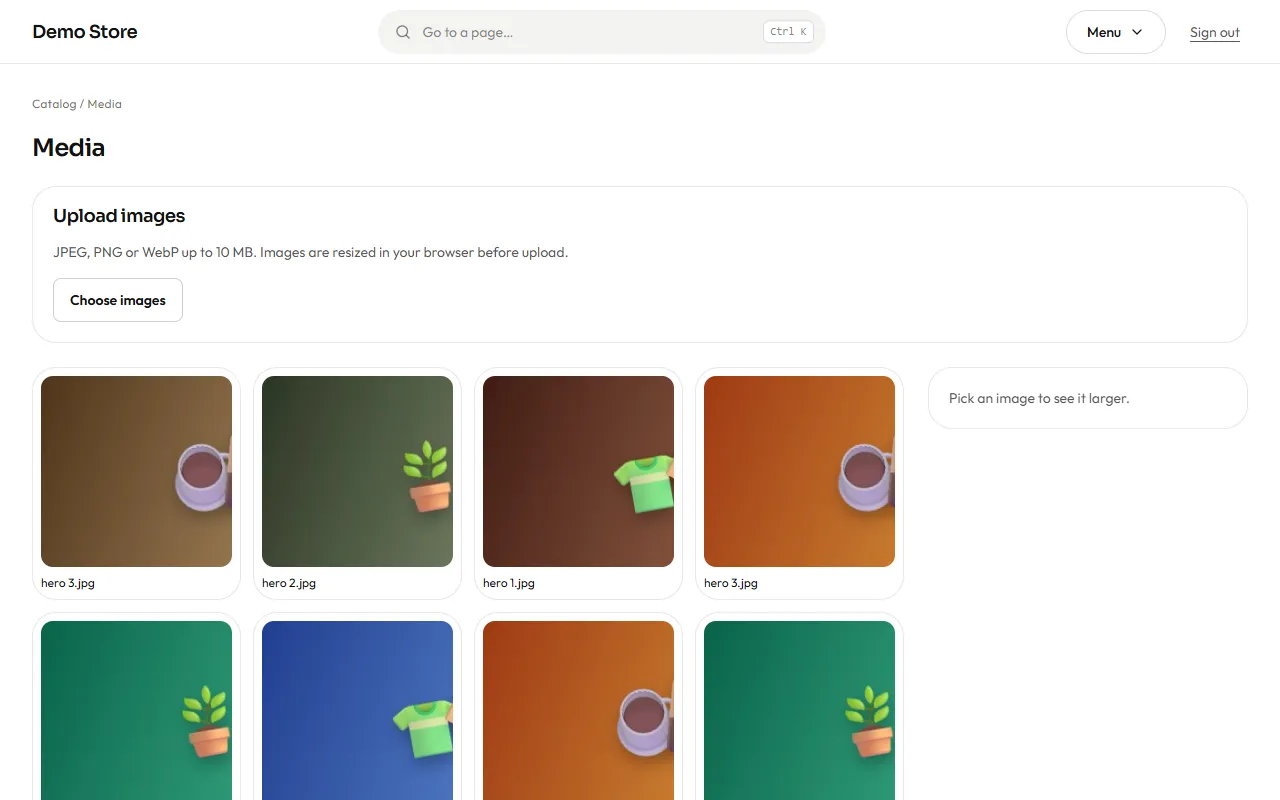
When you upload a picture, the browser makes several sizes of it (480, 960 and 1600 px wide) before sending it, so phones download a small file and laptops a sharper one. JPEG, PNG and WebP pictures are accepted, up to 10 MB each. Upload pictures of at least 1000 px on the long side.
Pick a picture and it opens on the right, larger, with its name and the delete button. Right there you write its alternative text in Spanish and in English (up to 200 characters each): it describes the picture for people who cannot see it, and it is what screen readers and search engines read. The product page uses it as soon as you save; left empty in a language, the product’s name is used.