Emails and shipping
Emails
Section titled “Emails”Emails lists every message the store sends, grouped by who receives it: customers (order received, payment received, being prepared, shipped, delivered, cancelled, invoice issued…) and the store (new order, low stock…). Each shows whether it uses the default copy or your copy, and whether it is sending or turned off.
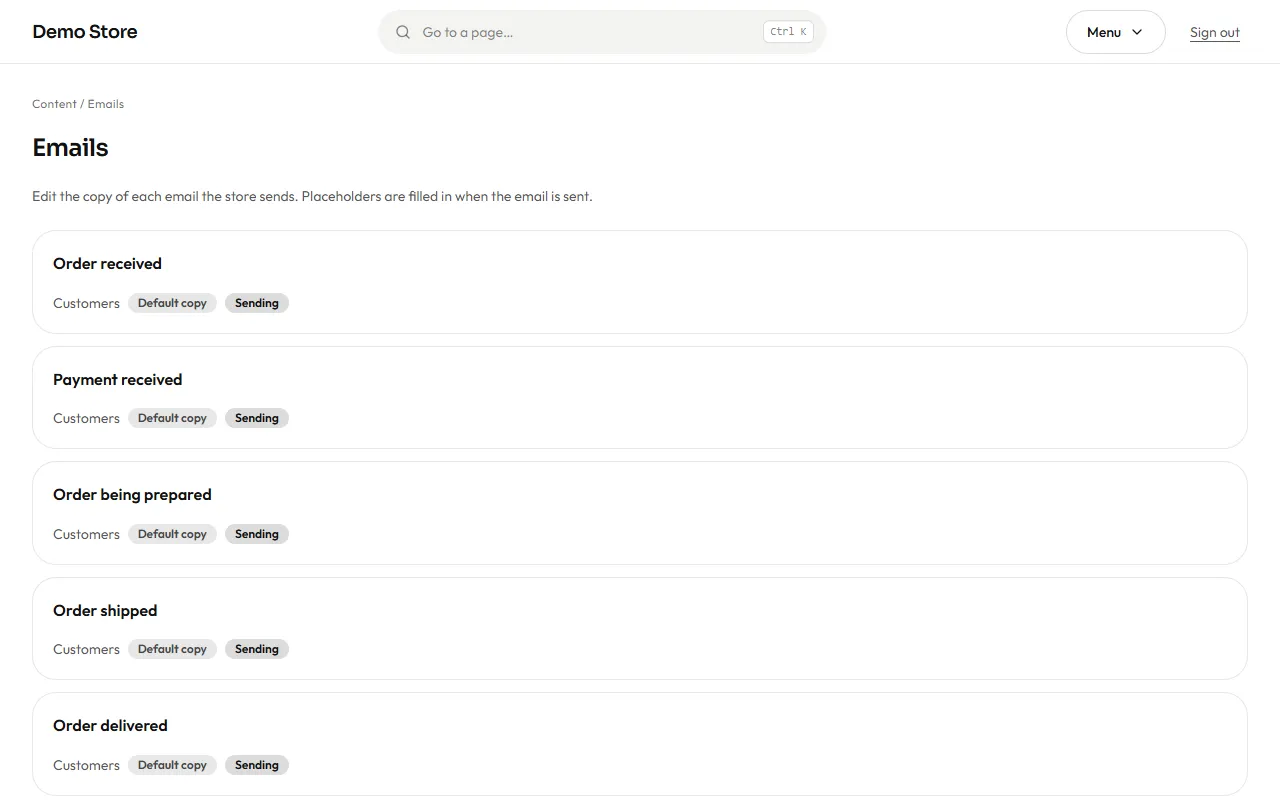
Open one to change it:
- Choose the language tab (Spanish or English) and edit the subject and the body.
- Use placeholders such as the customer’s name or the order number. The editor offers the ones that email allows and warns you if you use one that does not exist.
- The preview shows the finished email with sample data as you type.
- Send a test to your own address to see it in a real inbox.
- Save. Restore goes back to the standard wording whenever you want.
Owners can also switch off the store’s own alert emails; customer emails stay on.
Shipping methods
Section titled “Shipping methods”Shipping holds the delivery options a customer sees at checkout.
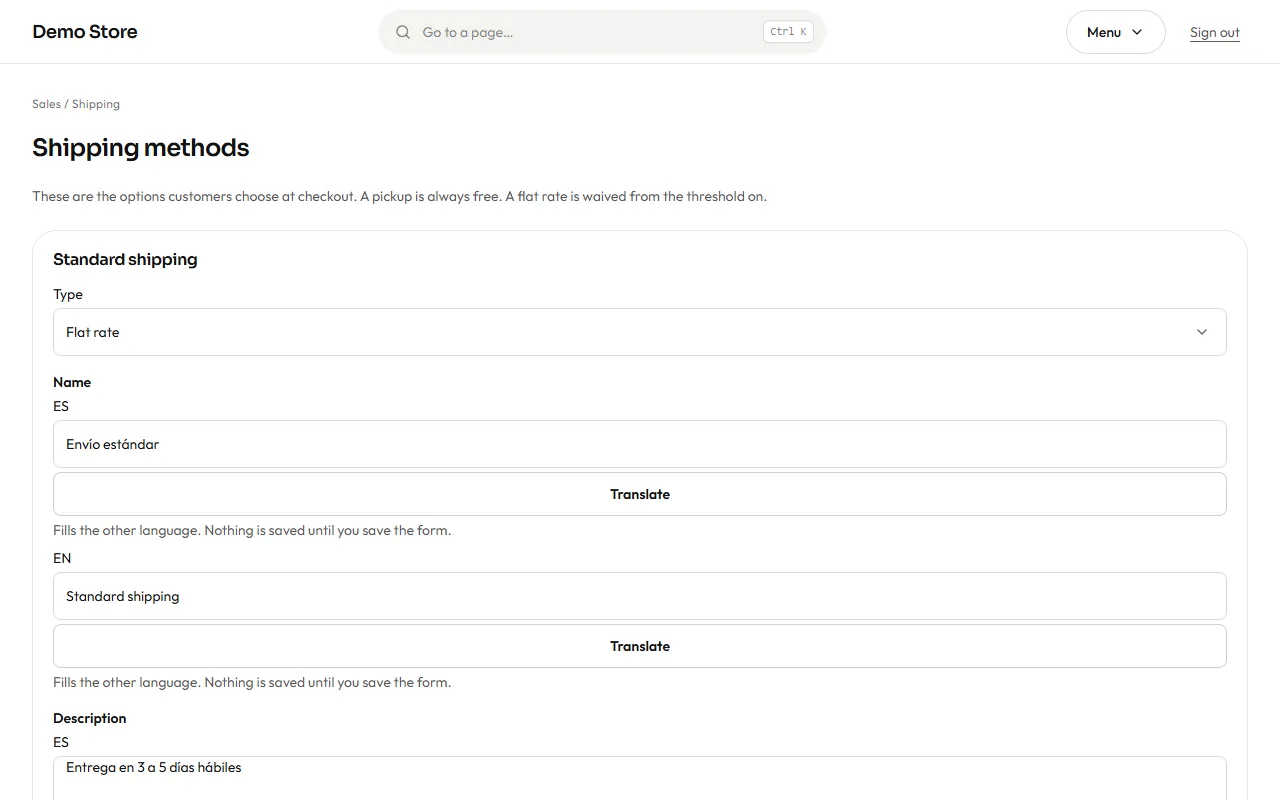
Each method has a type, a name and a description in both languages, a position in the list and an on/off switch.
- Flat rate: one price for the whole order. You can set a free-over amount: orders at or above it ship free.
- Pickup: always free, and the shopper is not asked for an address.
Use the description for the delivery promise (“Delivered in 3 to 5 business days”). Methods that are switched off disappear from checkout, but old orders that used them keep their details.