What you get
You get an online store of your own, ready to sell. It has its own web address, an admin panel to run it, your products, your pictures, your orders and your customers. You do not need to know how to code to use it.
- You load your productsFrom the admin panel, no coding.
- Your customer buysFrom their phone or computer.
- The store notifies and invoicesWithout you asking.
- You see the resultsOrders, stock and reports.
Choose your country to see the prices and tax details that apply to you:
What your customers see
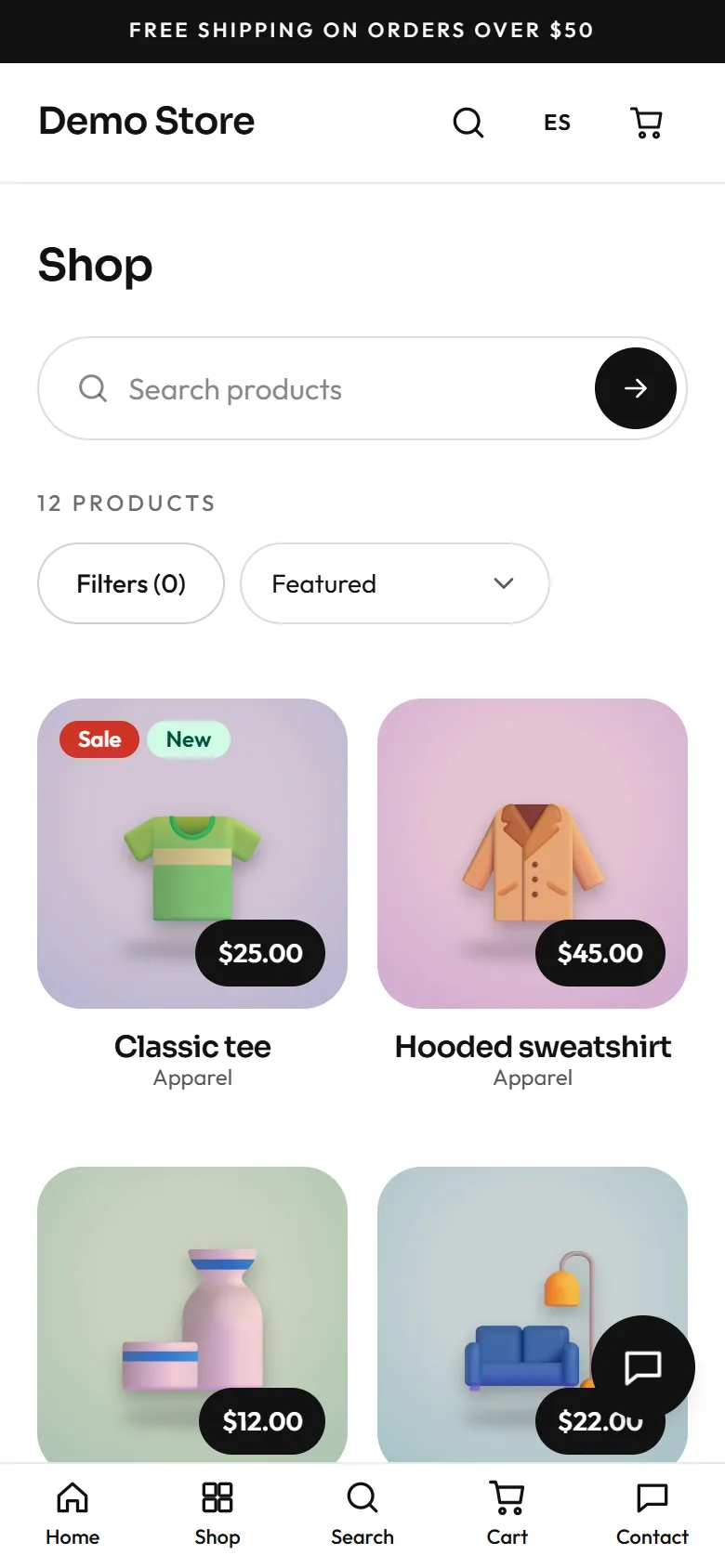
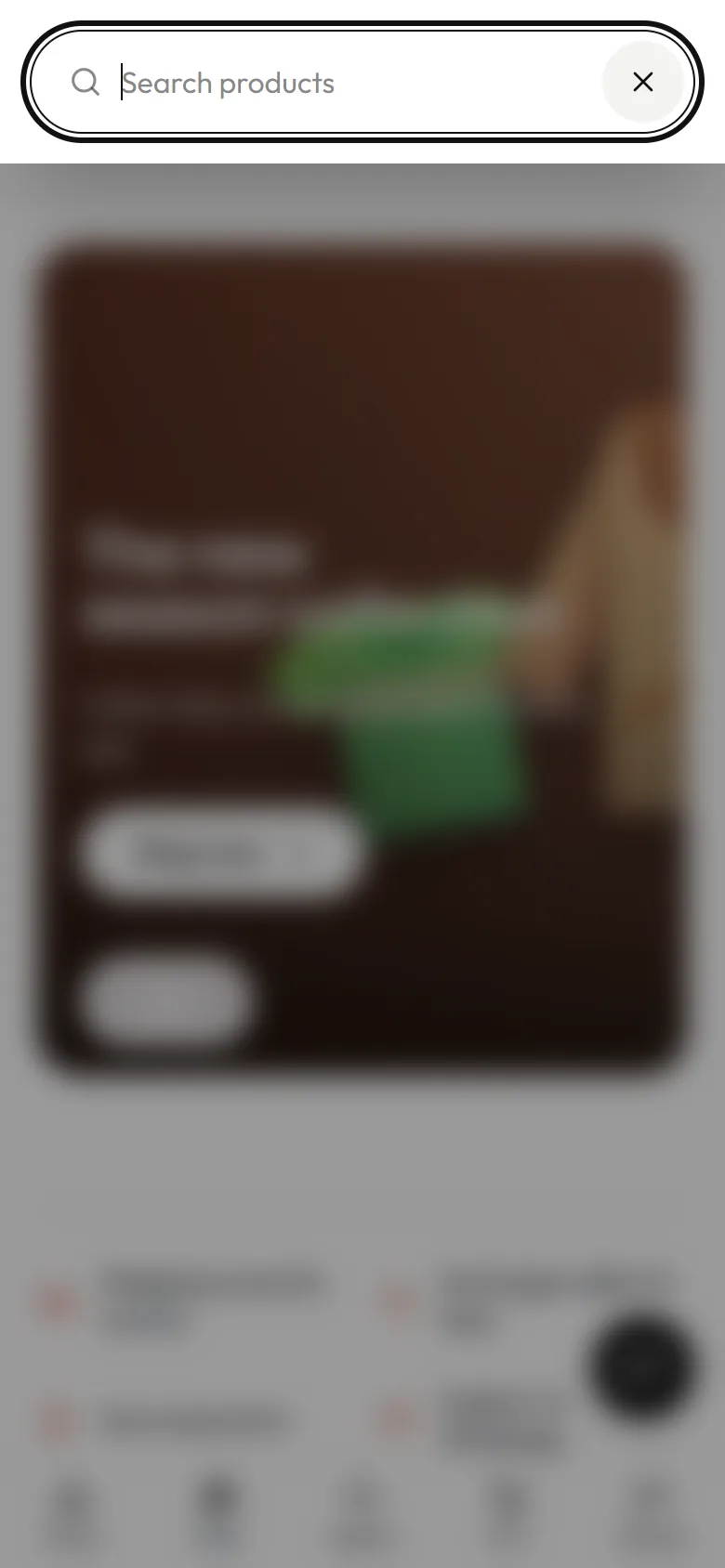
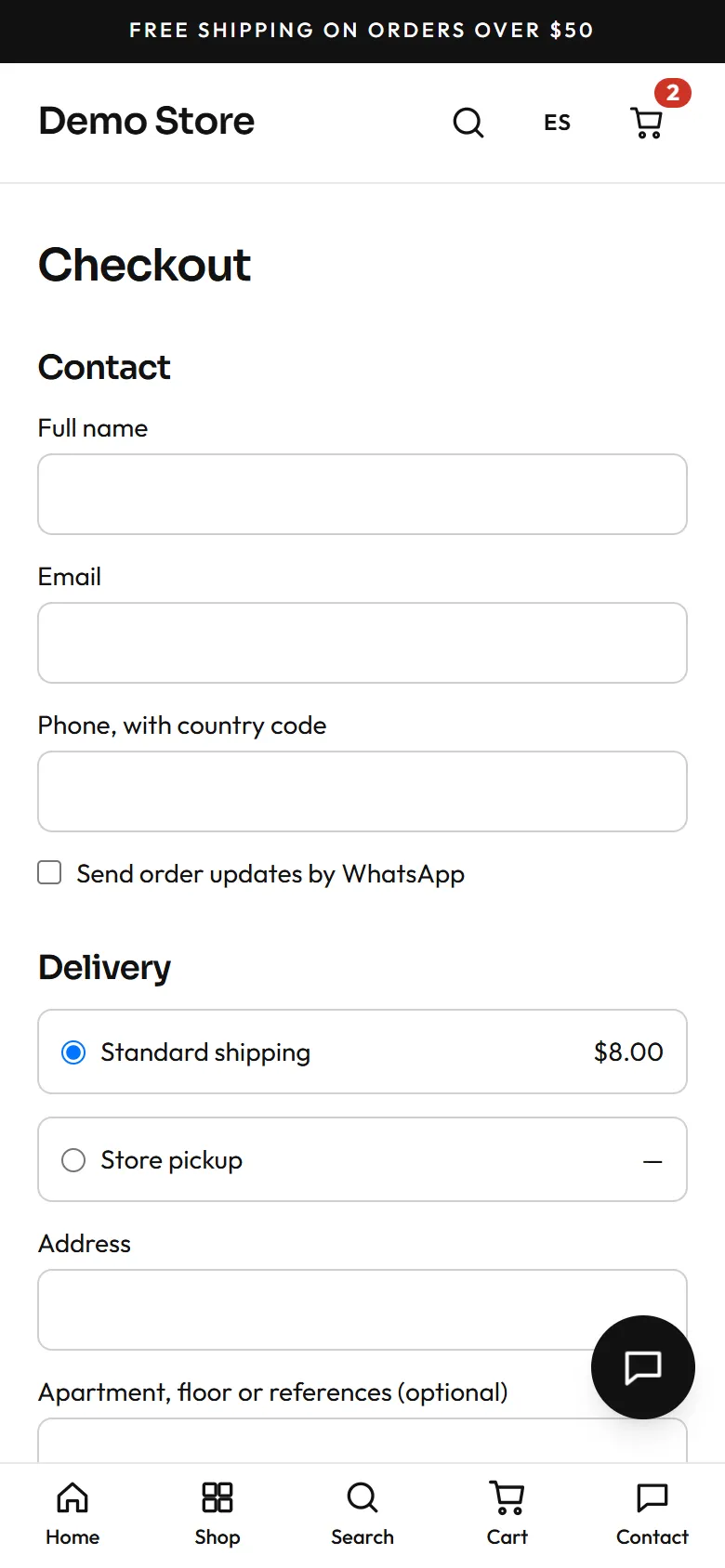
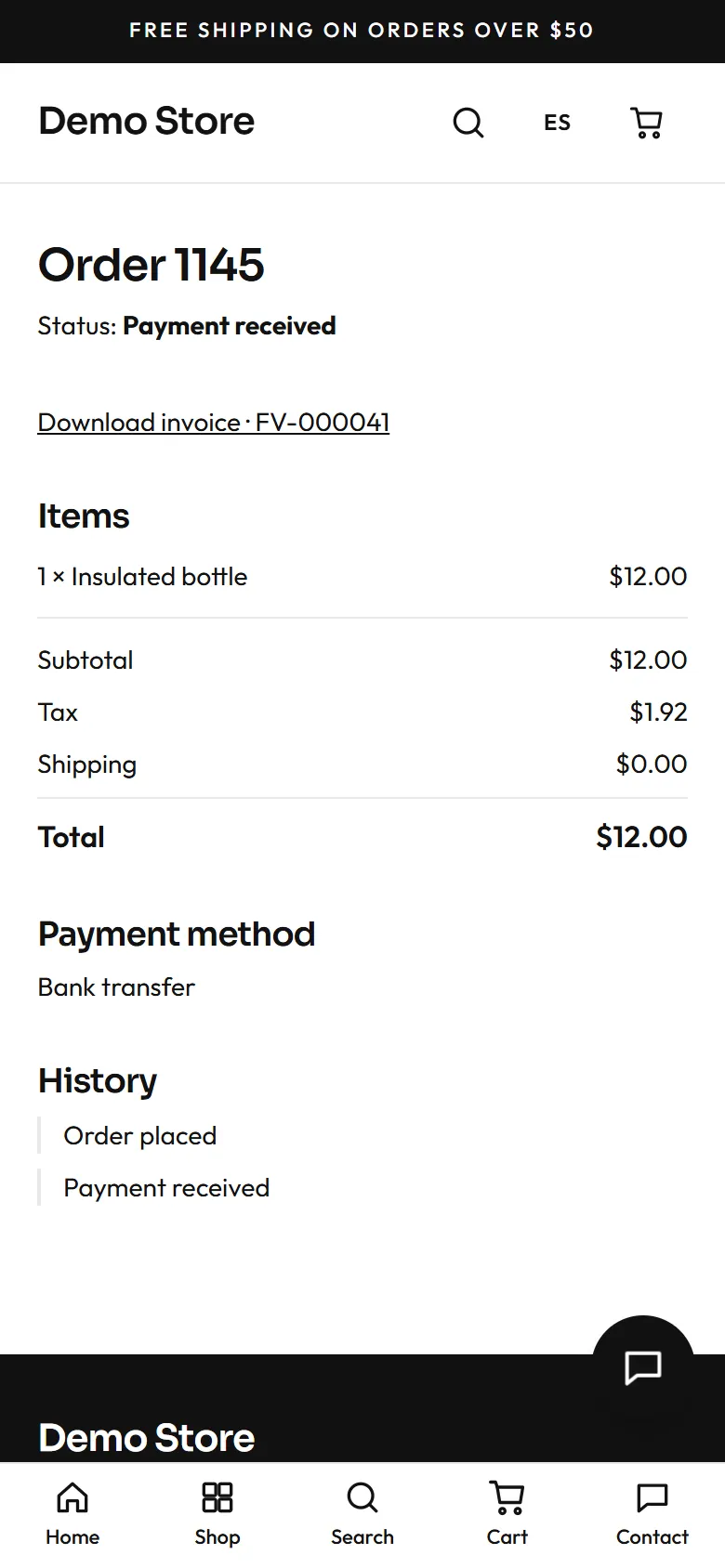
Section titled “What your customers see”Tap a screen to see the store on a phone. It is a real store, the demo one.
What you manage yourself
Section titled “What you manage yourself”Everything is handled from the panel, without coding:
Who can sign in to the panel: there are two roles.
See the admin guide for every screen.
What happens without you having to ask
Section titled “What happens without you having to ask”More detail on security in Running the store.
Optional extras, charged separately
Section titled “Optional extras, charged separately”They are optional and charged separately from the store. They are switched on only if you need them, and each one requires an account of its own with another service.
| Extra | What you need |
|---|---|
| WhatsApp messages | A Meta Business account and a WhatsApp Business number. Meta charges for each template message sent. |
| Meta ads (Facebook and Instagram) and product catalogue | A Meta account. Tracking only works if the visitor accepts cookies. |
| Google reviews on the home page | A listing for your business on Google. |
| Official electronic invoicing | An electronic invoicing provider authorised by your country's tax authority.An invoicing provider (PAC) authorised by the SAT, to issue CFDI invoices.An electronic invoicing provider authorised by the SRI. |
| AI help translating texts | Nothing extra. It is only used when you ask for it. |
Before you decide
Section titled “Before you decide”How much does it cost?
Section titled “How much does it cost?”Your online store starts at $450 IVA included.
There are three kinds of cost:
Separately, if you would rather have someone else make the changes to your store, that is optional and has fixed prices: see Changes we make for you.
Building and launching your store has its own price. We give you the quote in writing before we start.
How long does it take, and what do you provide?
Section titled “How long does it take, and what do you provide?”The timeline depends on how quickly you deliver what is asked for and on approvals (WhatsApp templates are often approved within minutes or a day). This guide does not set a total timeline; your contact will confirm it.
You provide:
Most of the time is spent by you filling the store: products, pages, shipping and email wording.
Who owns my customers and data? What if I leave?
Section titled “Who owns my customers and data? What if I leave?”- Your store has its own database, images, task queue and analytics, separate from other stores. Your orders, customers, products and photos live in your store.
- If the store runs on your own Cloudflare account, you keep full ownership. If it runs on the agency’s account, the data lives in that account.
- Because each store is independent, it can be moved to another account.
- If you ever decide to leave, get the exit terms in writing before you sign: timing, handing over your data, and the cost.
Can I change things myself?
Section titled “Can I change things myself?”Yes, most things, from the panel and without code: name, logo, colours and fonts; the home page and content pages; email wording; shipping options and prices; payment methods and bank details; taxes and invoicing; and who can sign in to the panel.
Some things do need a developer: a section or style that only you will have, or connecting a different payment or invoicing provider. Custom sections are not loaded by the store yet, so ask your developer to confirm their status before you are promised one.
If you can do it yourself but would rather have someone else do it, you can also ask the agency or your developer to make the changes for you. The prices are in Changes we make for you.
Changes we make for you
Section titled “Changes we make for you”You can change almost everything yourself from the panel, but many people prefer to have someone else do it: the text of a page, a new product, the WhatsApp number, the bank account. It is an option, not a requirement. Prices depend on your country (use the selector above) and already include VAT: what you see is what you pay, and you get an invoice.
What counts as a change
Section titled “What counts as a change”Everything is measured in credits. One credit is one small change.
| Size | Credits | Examples |
|---|---|---|
| Small | 1 | Change a piece of text, the WhatsApp number or the bank account; change the price or stock of up to 5 products; show or hide a product; swap a picture. |
| Medium | 2 | Add up to 3 products with their pictures; set up a promotion or a banner; adjust shipping and its prices; edit a whole page or the wording of the emails. |
| Large | 5 | Create a new page; load a catalogue of up to 50 products; rearrange the home page. |
| Bigger than that | Quote | You are told the price before we start. |
How credits and plans work
Section titled “How credits and plans work”A credit is the unit work is measured in. Each change you ask for costs 1, 2 or 5 credits depending on its size (see the table above). There are three ways to get credits, and you can combine them:
- Pay per change. There are no saved credits: you pay the price of the change and we do it.
- Pack. You buy a number of credits at once. They are used up as you ask for changes and last 12 months from the purchase. Each credit costs less than paying per change.
- Monthly or yearly plan. You receive credits on a regular basis and a faster response. On the monthly plan, each month’s credits are used that month and do not carry over. On the yearly plan, the credits for all 12 months are one pool: you use them whenever you like while the plan is active.
How they are used up. Before we start, we tell you how many credits what you asked for costs, and we wait for your go-ahead. If a request has several changes, they add up. If something turns out to be bigger than it looked, we tell you before going on; credits are never taken without you knowing.
What happens when they run out. You can buy a pack, pay for a single change, or move up a plan. While you have a plan, your requests keep the response time of your plan even if you pay for one change separately.
An example. You are in Mexico and have the Grow plan (10 credits a month). This month you ask to change the WhatsApp number (1 credit), add 3 products with pictures (2 credits) and set up a promotion banner (2 credits). You used 5 of your 10 credits. The other 5 are lost when the month ends. With the Yearly Grow plan, those 5 credits would still be there for a busier season.
When they start and end. Credits and plans start the day your payment is confirmed. The monthly plan renews every month as long as you pay for it, and you can cancel it at any time for the following month. The yearly plan lasts 12 months.
Pay per change
Section titled “Pay per change”No commitment: you ask, you pay, and we do it.
| Size of the change | Credits | Price |
|---|---|---|
| Small | 1 credit | USD 9 |
| Medium | 2 credits | USD 18 |
| Large | 5 credits | USD 45 |
| Size of the change | Credits | Price |
|---|---|---|
| Small | 1 credit | MXN 149 |
| Medium | 2 credits | MXN 298 |
| Large | 5 credits | MXN 745 |
| Size of the change | Credits | Price |
|---|---|---|
| Small | 1 credit | USD 9 |
| Medium | 2 credits | USD 18 |
| Large | 5 credits | USD 45 |
Credit packs
Section titled “Credit packs”You pay once and use the credits whenever you like within 12 months. The bigger the pack, the cheaper each credit. Good if you make changes now and then.
| Pack | Price | Per credit | You save |
|---|---|---|---|
| 5 credits | USD 40 | USD 8.00 | 11% |
| 10 credits | USD 72 | USD 7.20 | 20% |
| 20 credits | USD 126 | USD 6.30 | 30% |
| Pack | Price | Per credit | You save |
|---|---|---|---|
| 5 credits | MXN 670 | MXN 134.00 | 10% |
| 10 credits | MXN 1,190 | MXN 119.00 | 20% |
| 20 credits | MXN 2,090 | MXN 104.50 | 30% |
| Pack | Price | Per credit | You save |
|---|---|---|---|
| 5 credits | USD 40 | USD 8.00 | 11% |
| 10 credits | USD 72 | USD 7.20 | 20% |
| 20 credits | USD 126 | USD 6.30 | 30% |
Monthly plan
Section titled “Monthly plan”Each month you get a number of credits and a faster response. Credits from one month do not carry over to the next. If you prefer to pay month by month, this is the most flexible option.
- Credits per month
- 4
- Response
- 5 business days
- Credits per month
- 10
- Response
- 3 business days
- Credits per month
- 25
- Response
- 2 business days
- Credits per month
- 4
- Response
- 5 business days
- Credits per month
- 10
- Response
- 3 business days
- Credits per month
- 25
- Response
- 2 business days
- Credits per month
- 4
- Response
- 5 business days
- Credits per month
- 10
- Response
- 3 business days
- Credits per month
- 25
- Response
- 2 business days
Yearly plans
Section titled “Yearly plans”You pay once and get 12 months of service, with 2 months free. The year’s credits are one pool: you use them when you need them, and they do not run out at the end of each month. This suits you best if your store has busy seasons, such as Christmas or Mother’s Day.
- Credits for the year
- 48
- Response
- 5 business days
- Store check-ups
- Not included
- Credits for the year
- 120
- Response
- 3 business days
- Store check-ups
- 4 a year
- Credits for the year
- 300
- Response
- 2 business days
- Store check-ups
- 12 a year
- Credits for the year
- 48
- Response
- 5 business days
- Store check-ups
- Not included
- Credits for the year
- 120
- Response
- 3 business days
- Store check-ups
- 4 a year
- Credits for the year
- 300
- Response
- 2 business days
- Store check-ups
- 12 a year
- Credits for the year
- 48
- Response
- 5 business days
- Store check-ups
- Not included
- Credits for the year
- 120
- Response
- 3 business days
- Store check-ups
- 4 a year
- Credits for the year
- 300
- Response
- 2 business days
- Store check-ups
- 12 a year
A store check-up is a full pass we do ourselves: we review texts, prices, stock and links, test that buying works from start to finish, and send you a short summary of what we found. It does not use credits.
Which one suits you
Section titled “Which one suits you”How to ask and how to pay
Section titled “How to ask and how to pay”- You write what you wantBy WhatsApp or email.
- We tell you the creditsBefore we start.
- You give the go-aheadThen we begin.
- We do itWithout a plan, in about 7 business days.
- You payBy PayPal or card.By SPEI bank transfer or card.By bank transfer or deposit.
If needed, you send the pictures or the text when you write. If what you ask for turns out bigger than it looked, we tell you before going on. With a plan, the response time is the one in the table. Monthly plans are charged at the start of each month, and yearly plans once at the start of the year.
What is not included
Section titled “What is not included”The domain, the platform where the store runs and the payment providers’ fees are paid separately (see How much does it cost?). Managing your ads is not included either, and work that needs custom code is quoted separately.
How finished is it?
Section titled “How finished is it?”Before you decide, try the demo store. It is a real store with sample products, and it resets every night at 03:00.