Messages and notifications
The message log
Section titled “The message log”Message log lists every email (and WhatsApp message) the store tried to send: when, through which channel, which message, to whom, and whether it is Queued, Sent, Delivered, Read, Failed or Skipped.
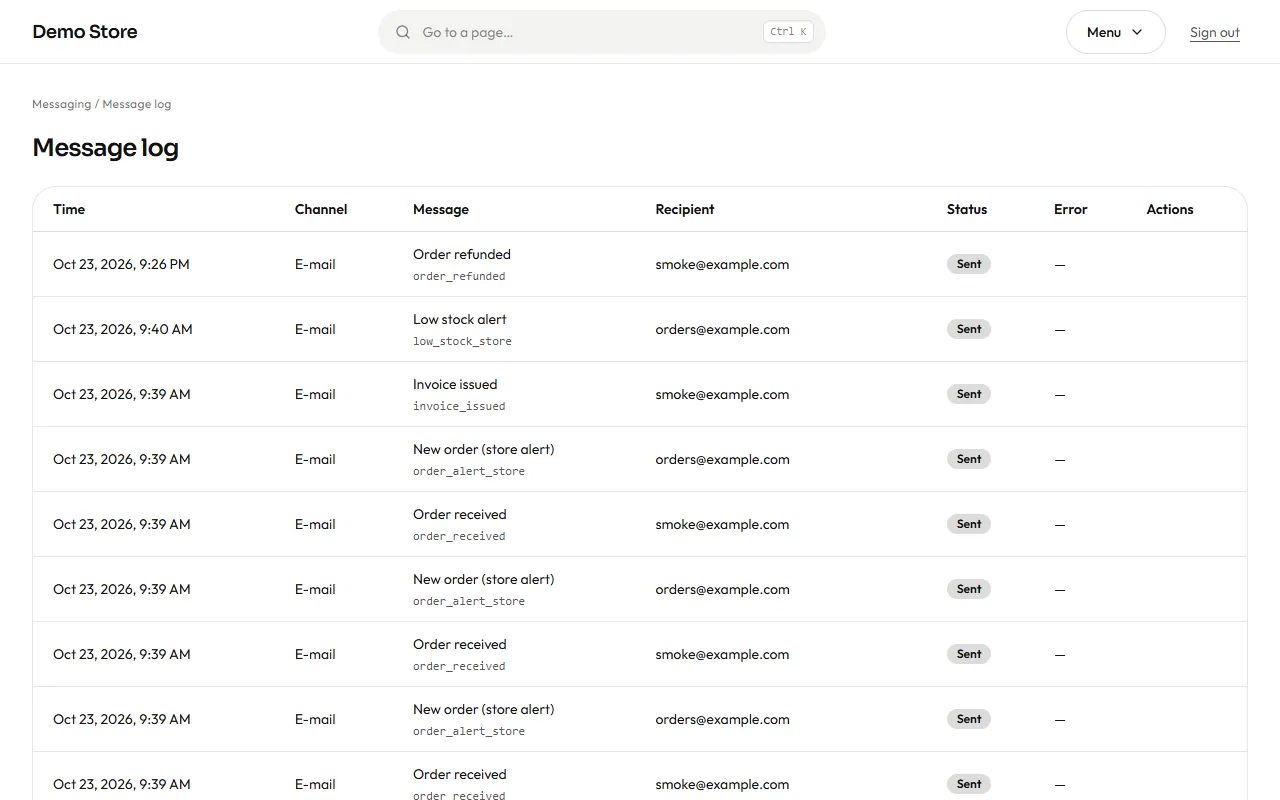
A message can be skipped on purpose, for example a WhatsApp message to someone who did not opt in. The reason is shown. A message that failed has a Retry button once you have fixed the cause (usually a wrong sender address or an expired key).
Failed jobs
Section titled “Failed jobs”Some work happens in the background: sending an email, building an invoice PDF, checking stock alerts. If a task keeps failing after several automatic retries, it is parked under Failed jobs instead of being lost. Owners can Retry a job once the problem is fixed or Discard it when it no longer matters.
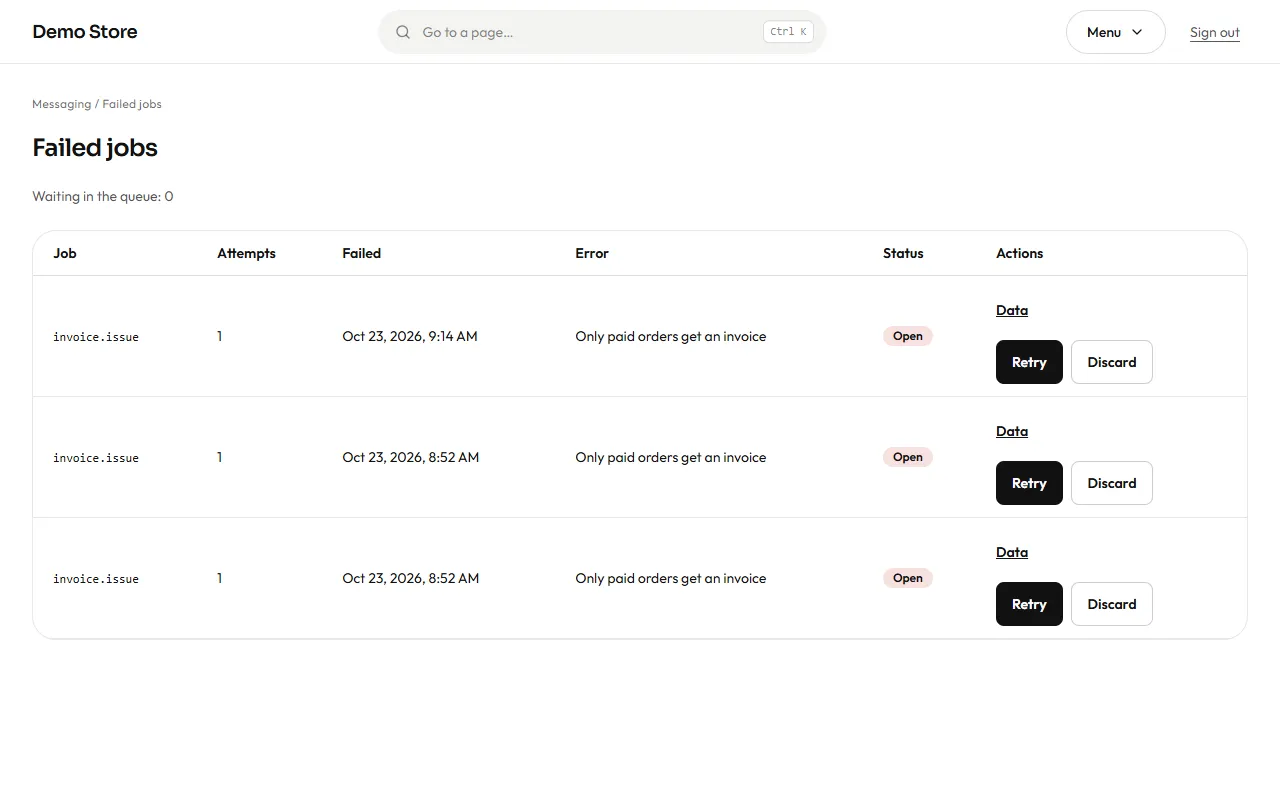
The dashboard card Failed jobs should read 0. A number there means something needs a look.